
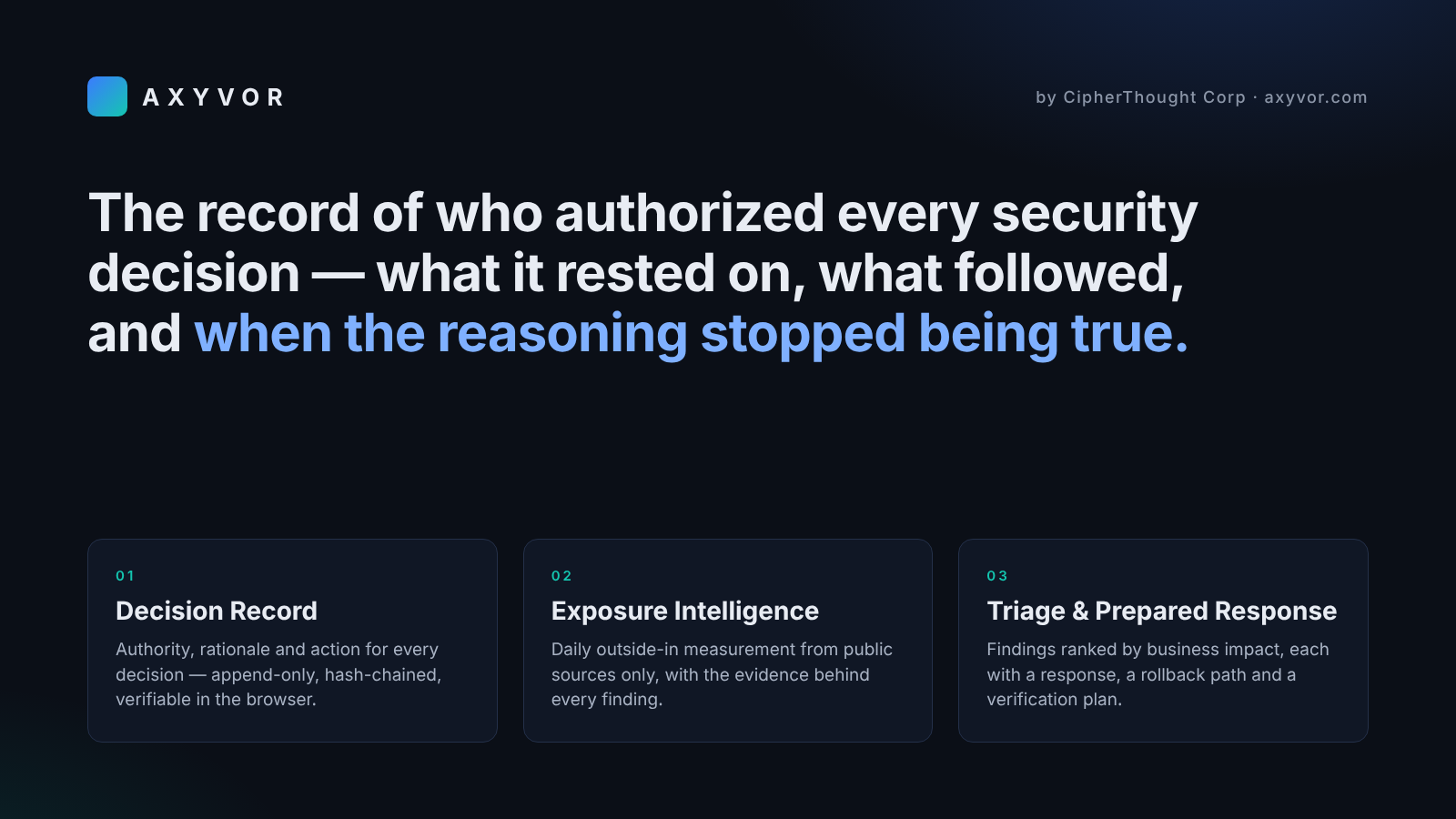
AXYVOR keeps the record of who authorized every security decision — what it rested on, what action followed, and when the reasoning behind it stopped being true.
Decision Record — Every decision recorded in AXYVOR carries its authority: the person or AI agent who made it and, for an agent, whether it acted within a granted authority; the rationale and alternatives considered; the action that followed; and, when available, the outcome observed afterward. The ledger is append-only and hash-chained, and can be opened exactly as it stood on any past date, with everything learned afterward kept out of view. AXYVOR flags decisions whose reasoning has expired or no longer matches what is observed. Sealed evidence packs can be checked by anyone with a public verifier that runs entirely in the browser — no account, and no need to take AXYVOR's word that nothing was altered.
Exposure Intelligence — Every day, AXYVOR measures how the organization appears from the internet using public sources and public-facing measurements only — certificate transparency, DNS, registration data, TLS and web configuration, email-security records, and public vulnerability and risk sources such as CISA KEV, EPSS, and NVD — without authenticated or intrusive access to the organization's systems. It tracks what is new, what disappeared, and what changed, and every finding carries the evidence it was built from: what was observed, where, and when.
Triage & Prepared Response — AXYVOR takes in findings from the security tools the organization connects, correlates them with its own exposure measurements and the assets the organization marks as critical, and ranks them by business impact rather than technical noise. For actionable findings, it prepares the recommended response, a rollback path, and how success will be verified afterward — while execution stays under the organization's control.
The result is a record of security decisions that can be verified at any time: what was known, who decided, why, what was done, and whether the decision still holds.
Comments
Achievement


Publisher

Launch Date2026-07-07
Platformapi
Pricingfreemium
Tech Stack
#Artificial Intelligence & Machine Learning#Cloud Computing Infrastructure#Cybersecurity & Threat Intelligence Technologies#Data Analytics & Automation Frameworks#Web Application & API Technologies
Sponsors

Product Hunt Email Scraper
Scraper Email for Product Hunt Daily leaderboard and peerlist, tinylaunch, uneed.
Become a Sponsor
Get your brand featured here
Outbid
View🥇 🥈
🥈 🥉
🥉
Want this spot? Pay what you wantSubmit Your Startup to 100+ Directories | Submitator
Automated startup directory submission service. Get listed on Product Hunt, BetaList, Indie Hackers & 100+ directories for SEO backlinks and DR boost. From $29.
$40
Boost Your Domain Rating — DoFollow Backlinks (DR 30–70) from $30
Raise your Ahrefs Domain Rating with 5 - 50 dofollow backlinks from DR 30–60 sites — from $50, guaranteed to improve your DR or your money back.
$35
DirEasy - The Best Directory Boilerplate with AI | DirEasy
The best directory boilerplate, packed with AI, Listings, Payment, Submission, CMS, Blog, Authentication, Newsletter, SEO and more.
$30